
Follow fine-tuned courses and freestyle practices to improve typing skills. Skills are improved using sentence, custom, and paragraph drills as well as games and custom layouts.
KP typing tutor is an easy-to-use yet effective typing tutor program which reduces the tediousness of learning how to type on a keyboard accurately and with great speed. It does this by providing a variety of methods which keep the interest of the user, including lessons involving simple key sequences for beginners and full paragraph writing practice, based on the "Alice in Wonderland" story, for experts wishing to improve their speed.
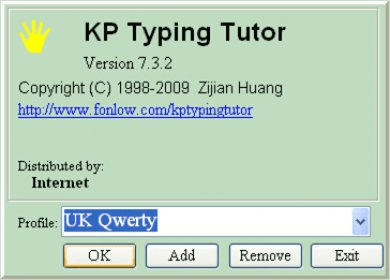
The program supports both QWERTY and DVORAK keyboard layouts and can be readily switched between them via a configuration screen. The program also includes a game similar to City Defender (or Missile Command, for the older generation) where the user types out words floating down as fast as possible before they hit the city being defended at the bottom.
Although the program performs its functions very well, the user interface is a little humble and old fashioned now, when compared to more modern products. This is especially the case for programs with similar functionality directly available on the web via the browser. The program is suitable mainly for regular typing exercises, to maintain and check speed and accuracy, rather than a serious tutor where you are learning to type from scratch. This is because no trend statistics are kept between lessons, although the results at the completion of a lesson are shown. For children though, the game module itself may be the biggest attraction.





Comments (3)